Skip to content

2022

Home Assistant Alarm

So, you want to have an alarm for your house. But, you don’t want to give your money to ADT/Ring/SimpliSafe/etc… and you want to build it yourself, with components you can easily service and replace, right? If so, this is the article for you.
I have a few Reolink cameras. Recently, I noticed the time of many of the cameras was not set correctly.

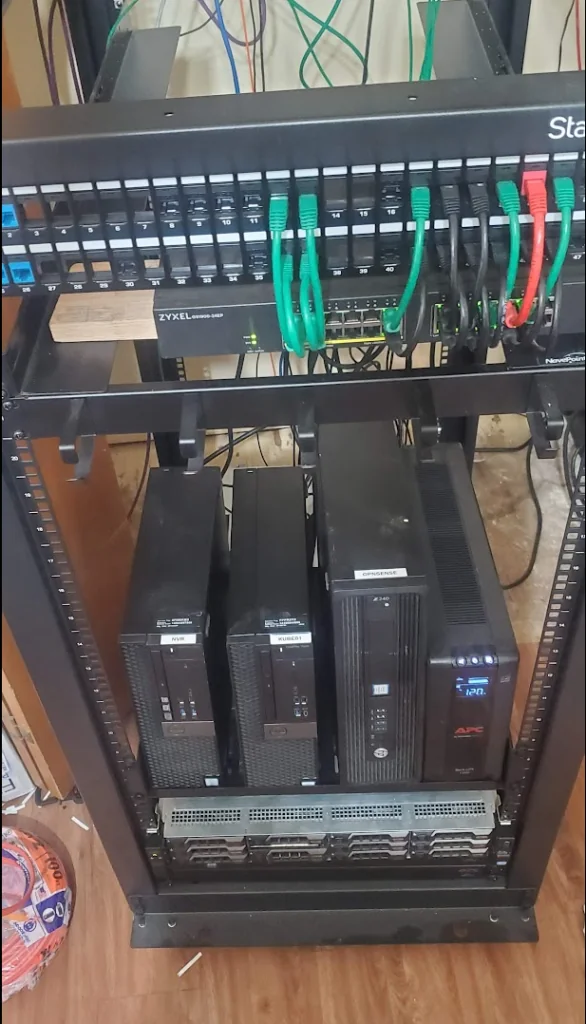
Since, I keep all of my IOT and Security devices isolated from the internet, they are not able to communicate with the pre-defined external NTP server. However, I do have a NTP server running on my opnsense firewall which they do have access to.

But, it appears the ability to set a custom NTP server no longer exists in the reolink’s configuration page.

Home Assistant – Programmable Thermostat GUI – Part 2

A while back, after converting my primary thermostat over to z-wave, I found a creative way of managing my thermostat’s schedules using the scheduler-card.

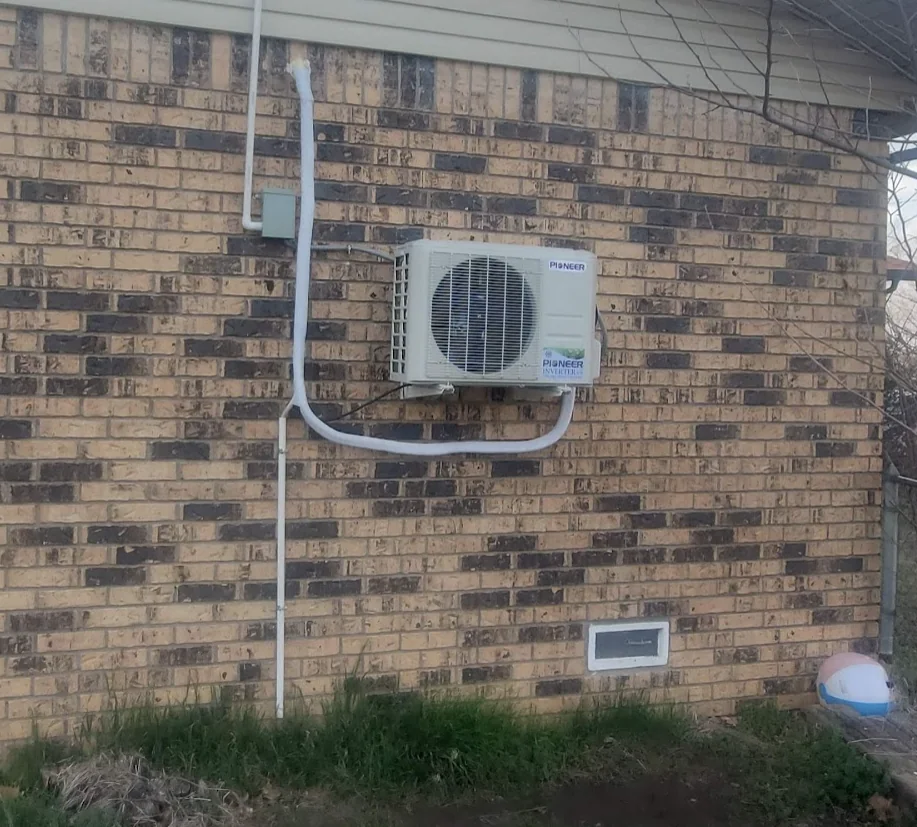
Well, I recently installed a new mini-split for my bedroom/office, and needed to integrate and maintain my schedules via home assistant. So, I decided to redo my schedules a bit.

I found the scheduler-card has a “make-scheme” button, which is far more intuitive for creating schedules then what I put together in PART 1. In hindsight, this feature existed then as well…

Adding "Bifurcation" to a Dell R720XD

Wait, the R720XD doesn’t support bifurcation?

And- you would be correct by saying that.

However- There are special PCIe cards you can acquire, which will perform the bifurcation.

Credit for this idea goes to THIS POST which was brought to my attention by a fellow redditor. (I couldn’t find the comment from a month ago..)

As a note- this isn't specific to the R720XD, this guide/hardware should work in any hardware with the proper PCIe slots, which does not support bifurcation out of the box.